Features
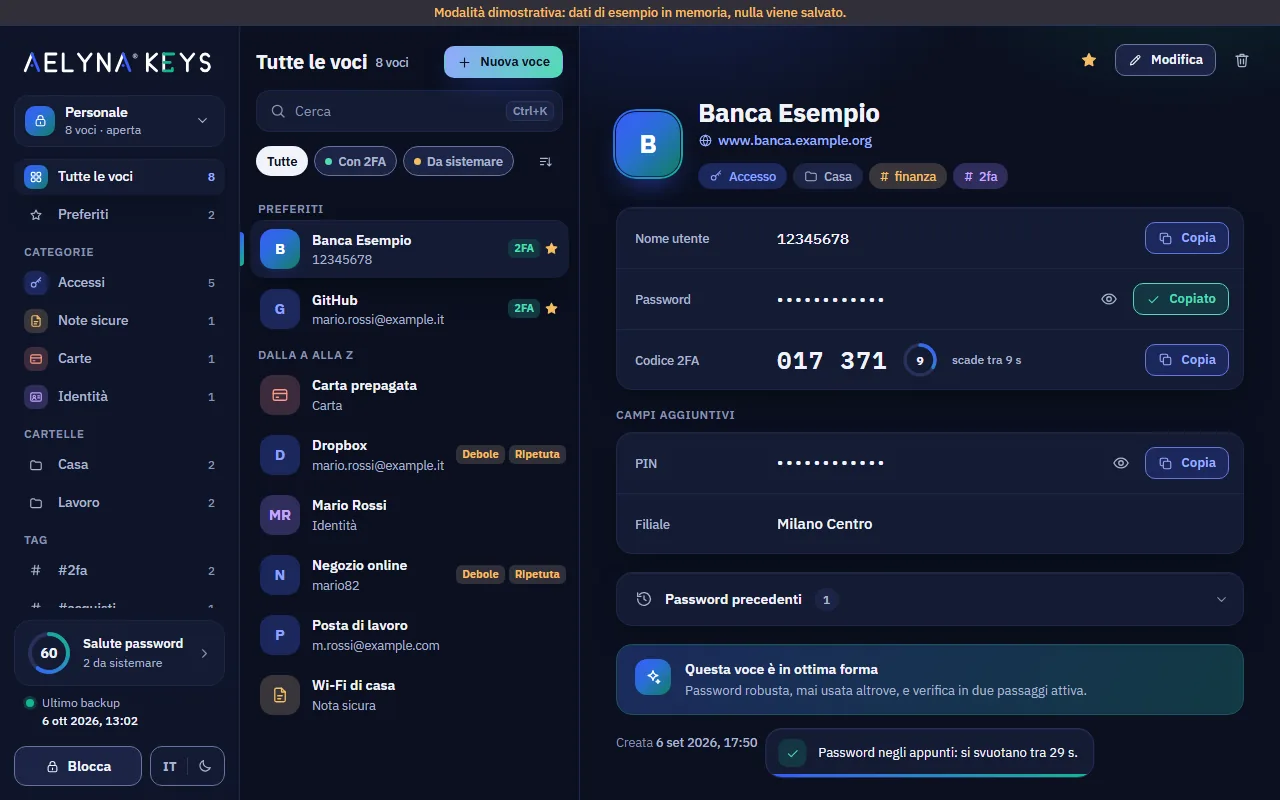
Aelyna® Keys keeps passwords, 2FA codes, cards and documents in an encrypted vault on your computer. Here is what it can do, screen by screen.
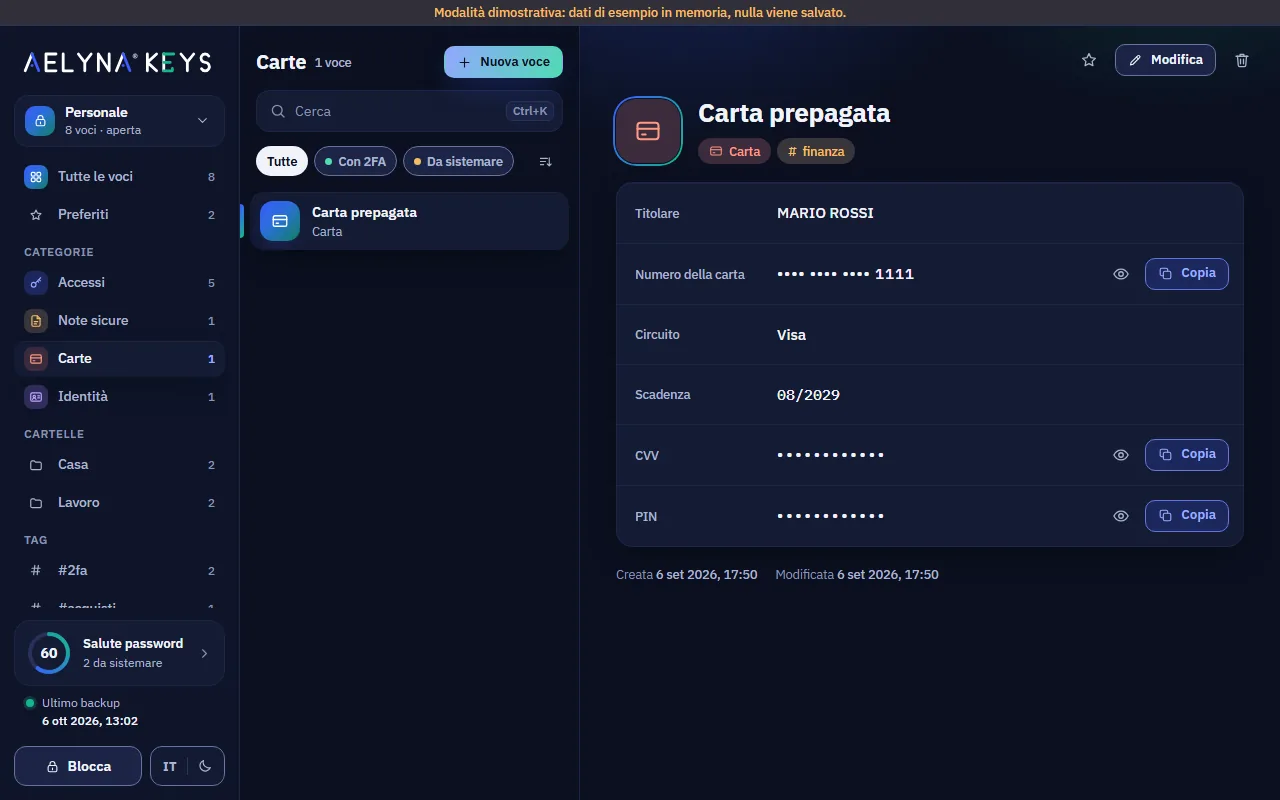
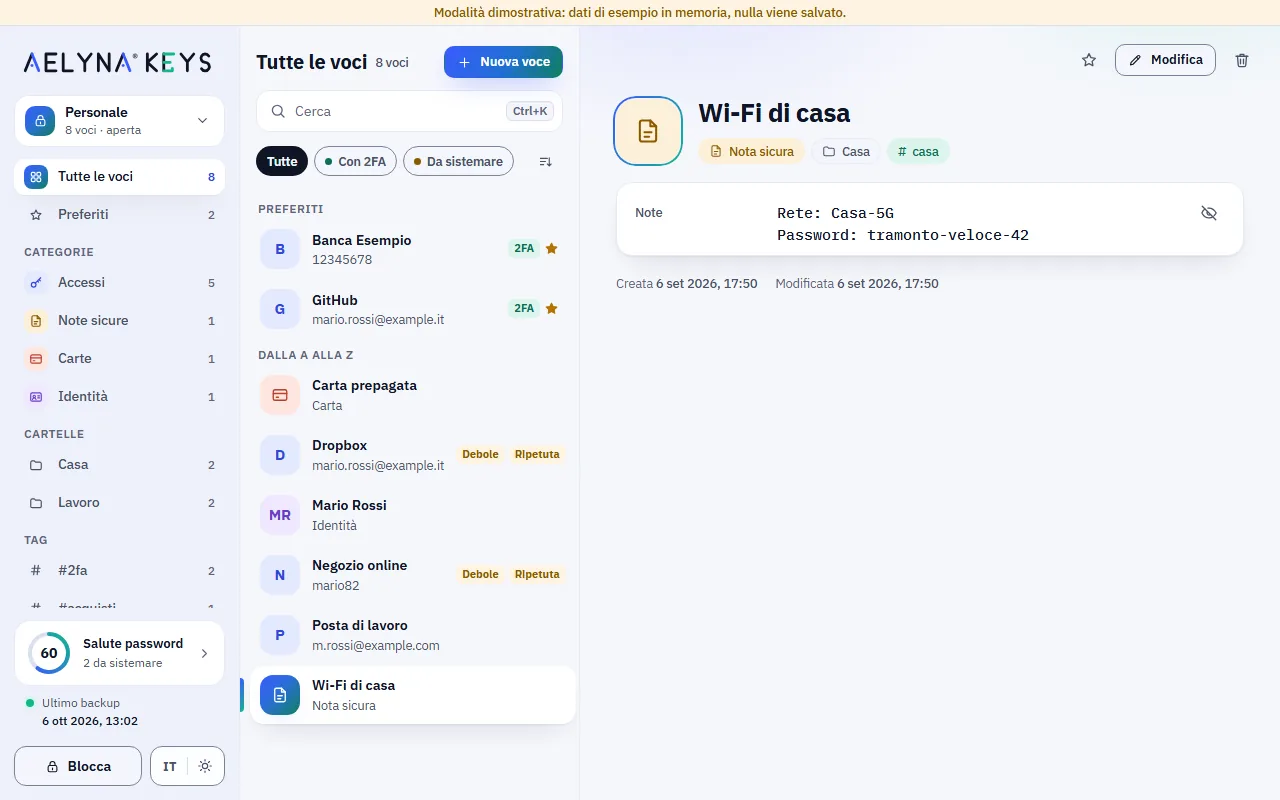
Screenshots taken with sample data, mostly in the Italian interface: the "Modalità dimostrativa" (demo mode) band does not appear in the real app.
One vault for everything
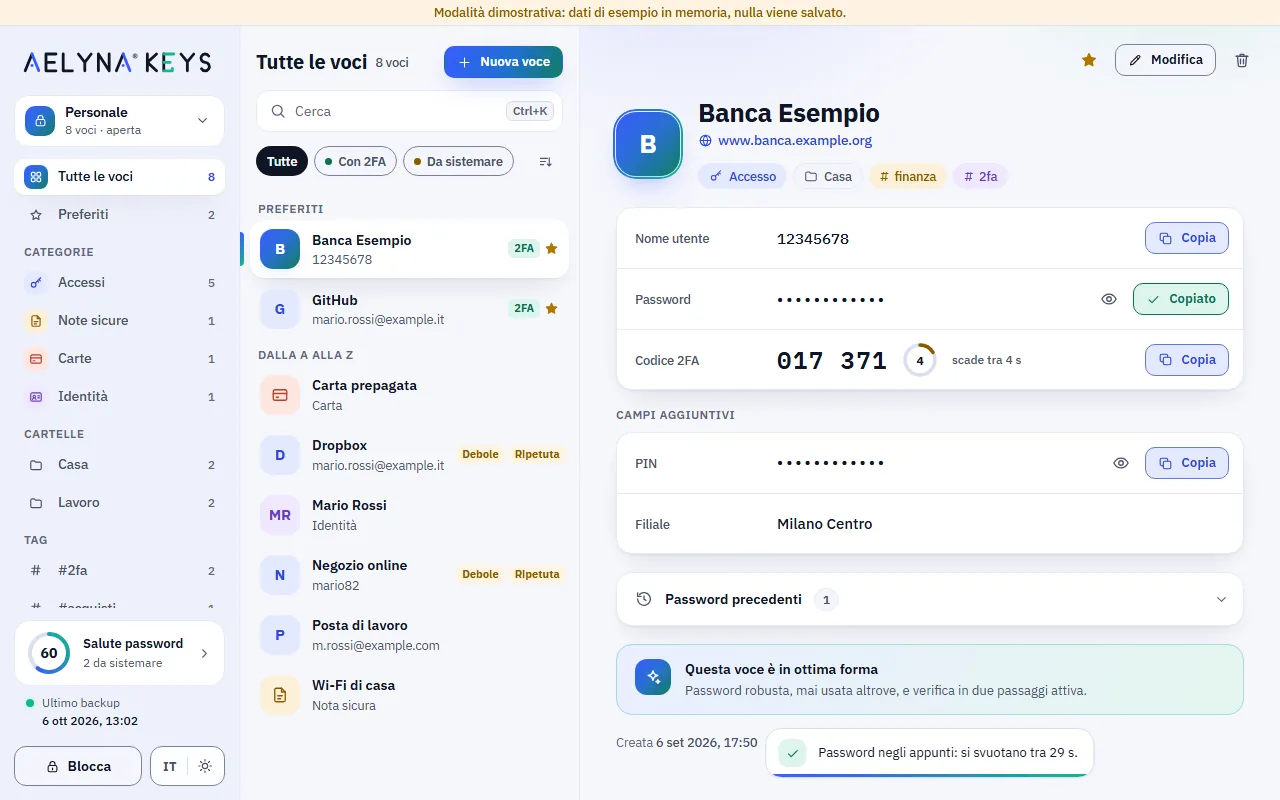
Logins, secure notes, payment cards and identities in one place, organised with folders, tags and favourites. Everything is encrypted, titles and website names included.
- Four item types, with visible or hidden custom fields.
- Password history: the previous one stays in the details.
- Trash with restore: no accidental deletions.
Find anything in a moment
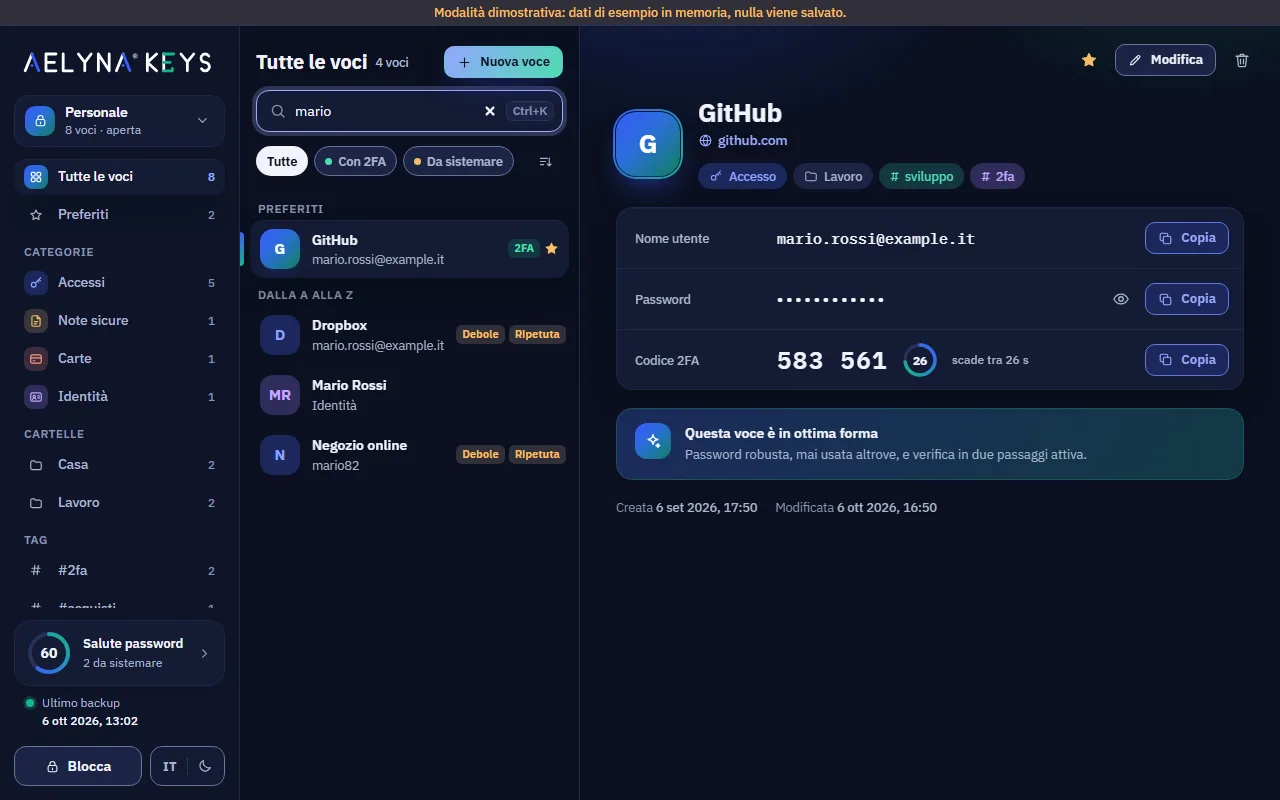
Press Ctrl+K (⌘K on Mac) and type: the search looks at title, username, websites, tags and folder. Quick filters show the items that need attention right away.
- Instant keyboard search, with the arrow keys and Enter.
- Filters by type, folder, tag and favourites.
- Shortcuts to copy username, password and 2FA code.
Strong passwords without effort
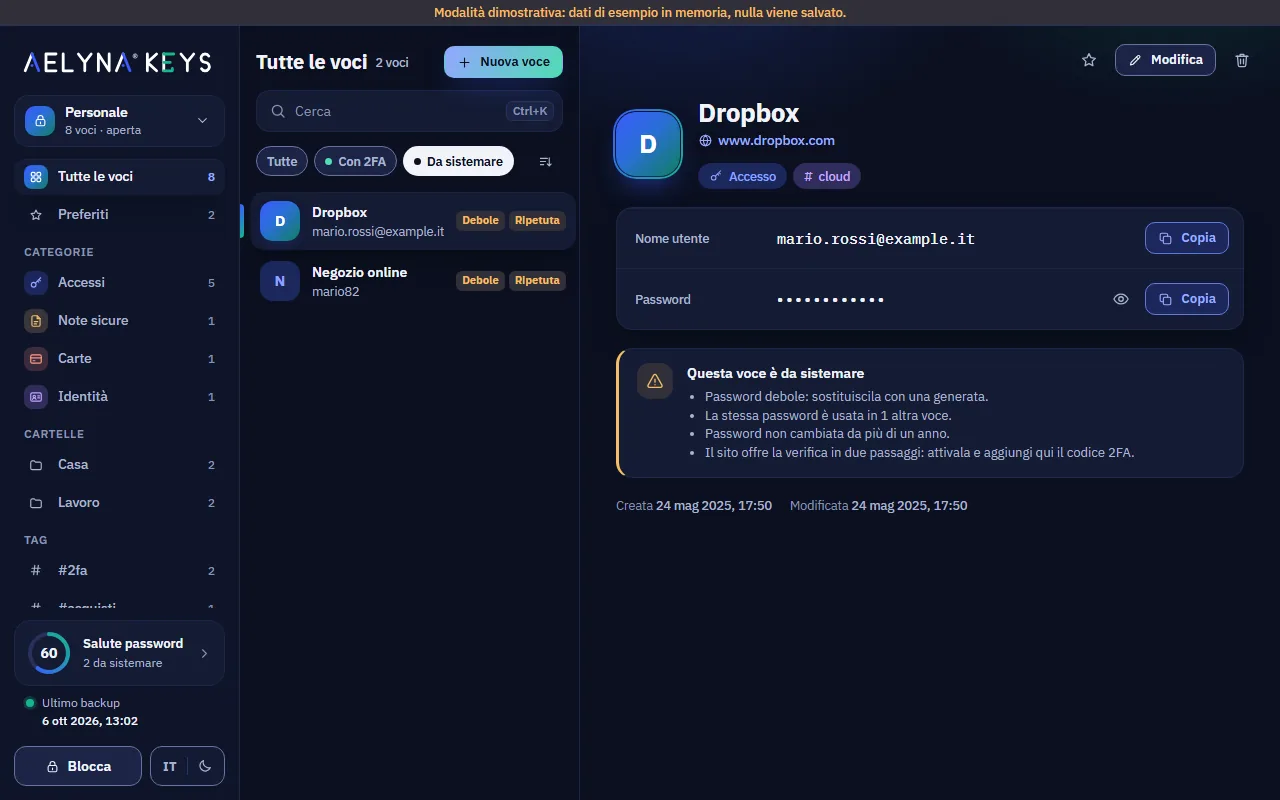
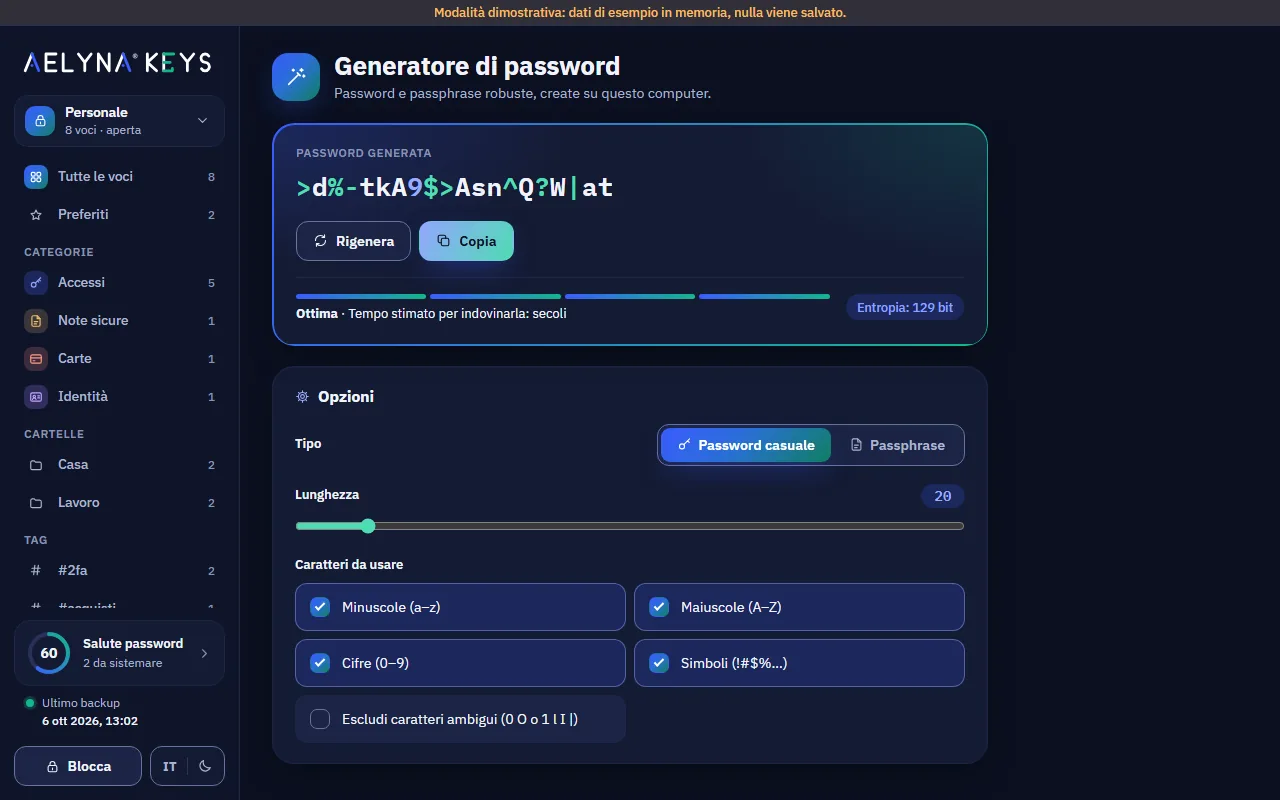
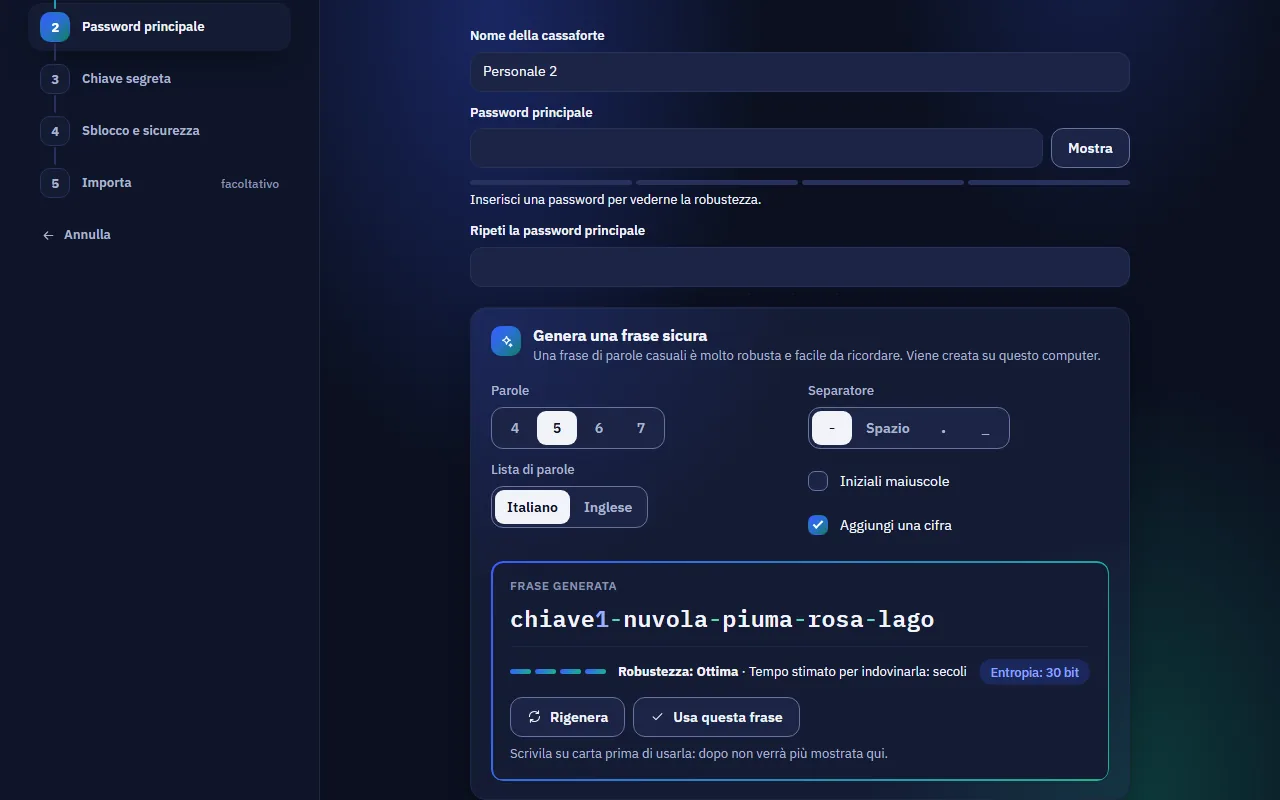
The generator creates random passwords or easy-to-remember word phrases, in Italian or English, and shows strength and entropy. In the editor, just press Generate.
- Length, symbols, digits and leaving out look-alike characters.
- Passphrases with separator, capital initials and a digit.
- Save always visible at the bottom of the editor.
Built-in 2FA codes
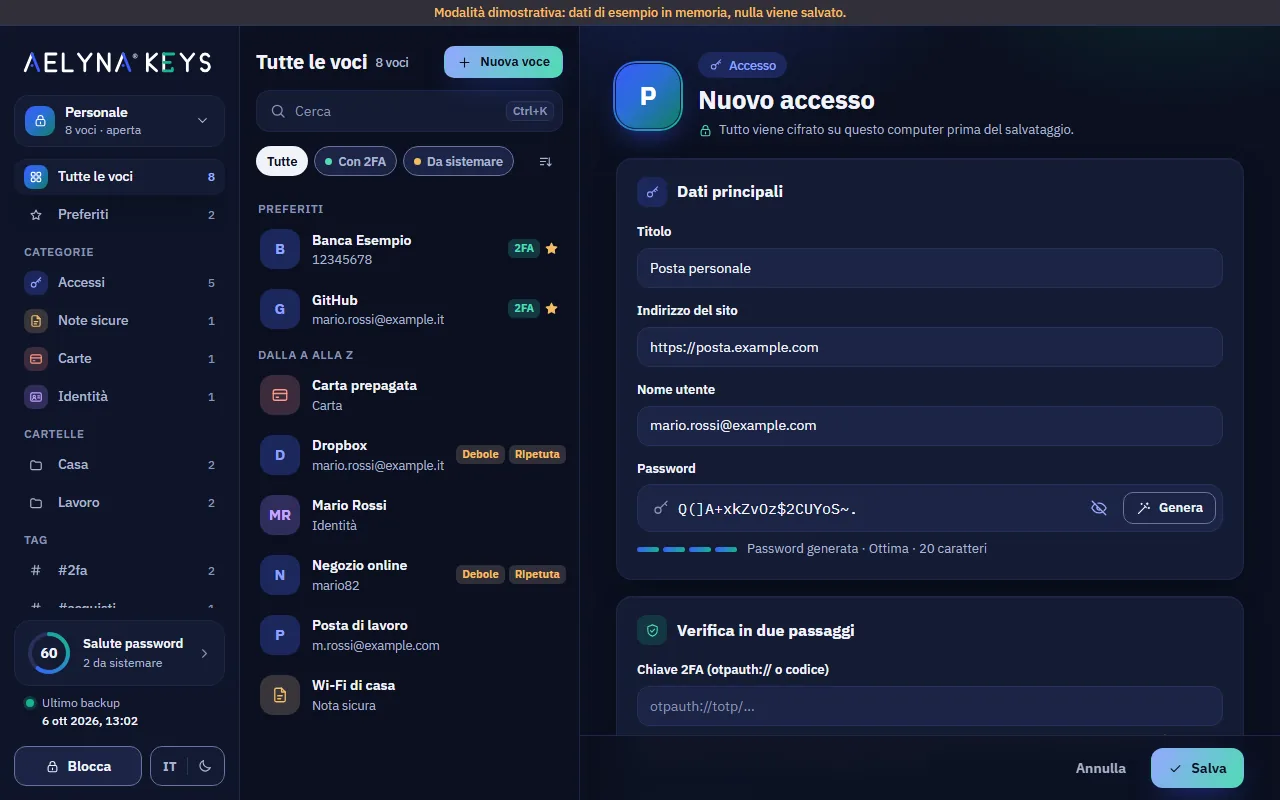
Aelyna Keys generates the 6-digit two-step verification codes instead of an app on your phone. The website's QR code is read from the screen, the clipboard or a file.
- The screen is captured once and the image is not kept.
- A ring shows the time left; in the last 5 seconds it turns amber.
- For your most important accounts you may prefer a separate app: we tell you so.
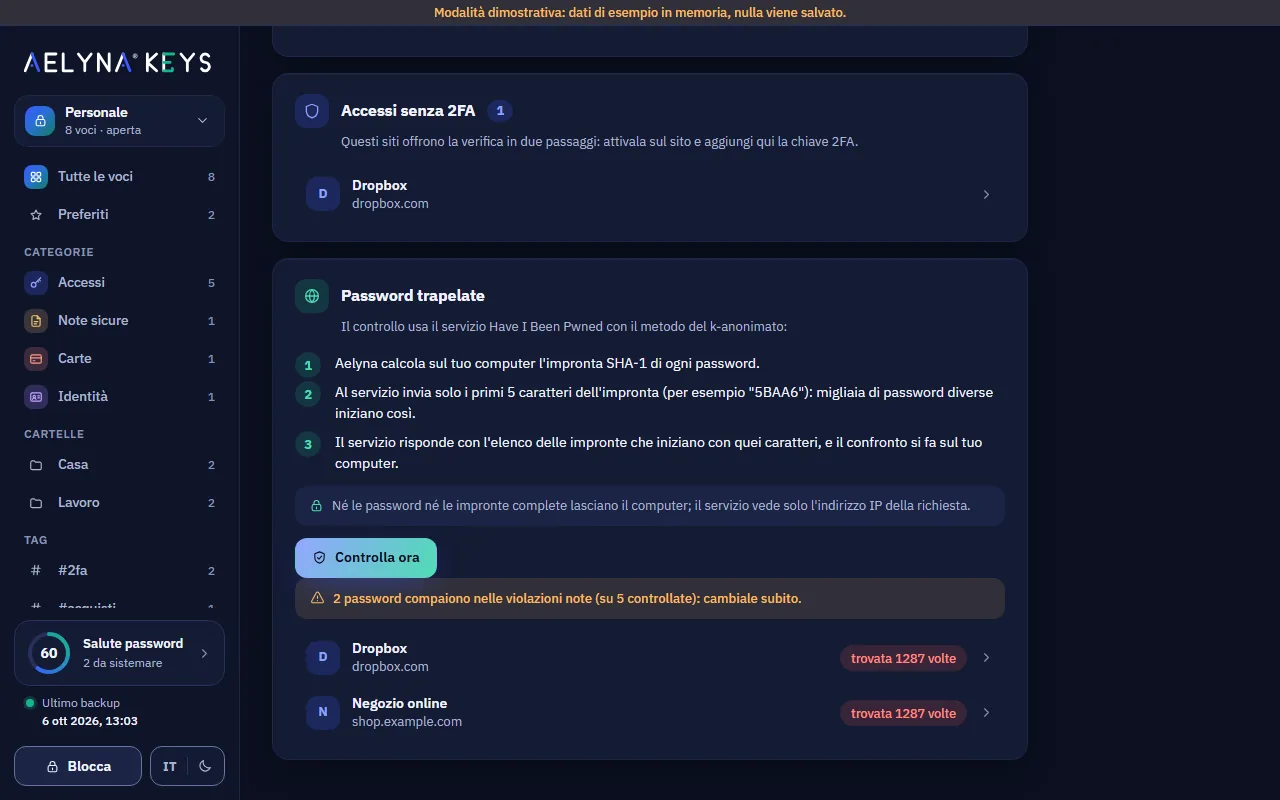
Password health
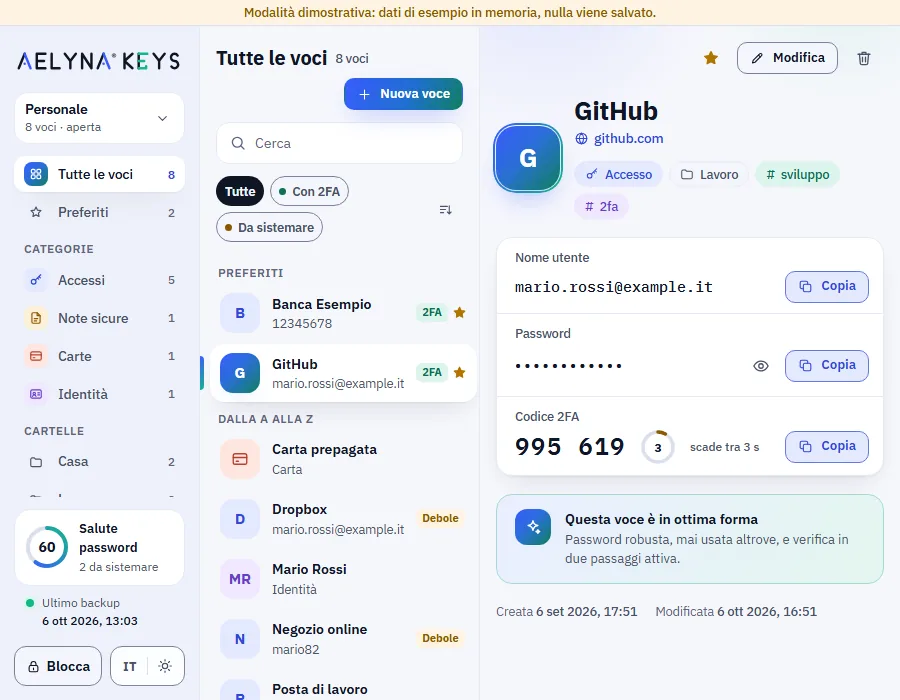
A check run on your computer, with a score from 0 to 100, finds weak, reused and old passwords and logins without 2FA. Every flagged item opens with one click.
- No password leaves the vault for the check.
- Breached passwords with Have I Been Pwned: optional, off by default, started by you.
- Only the beginning of the fingerprint is sent, shared by thousands of passwords.
Encrypted backups, automatic too
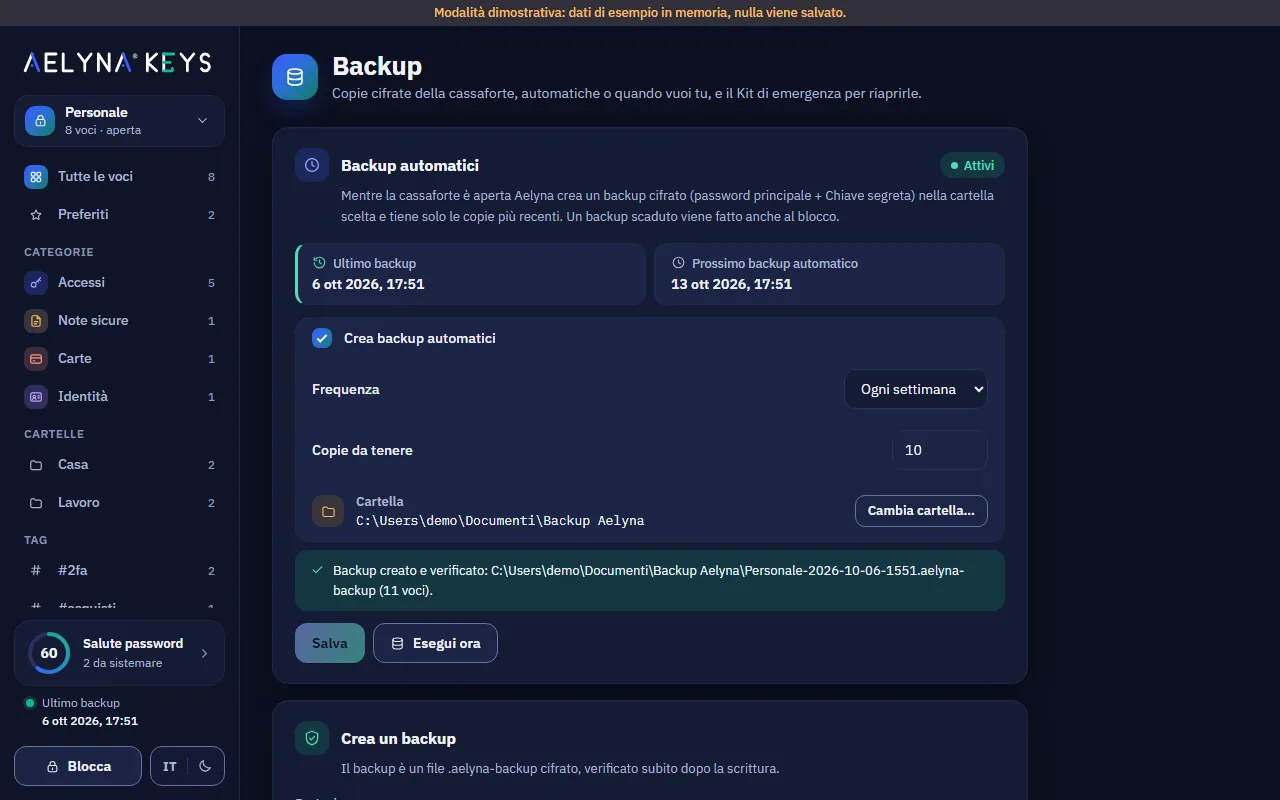
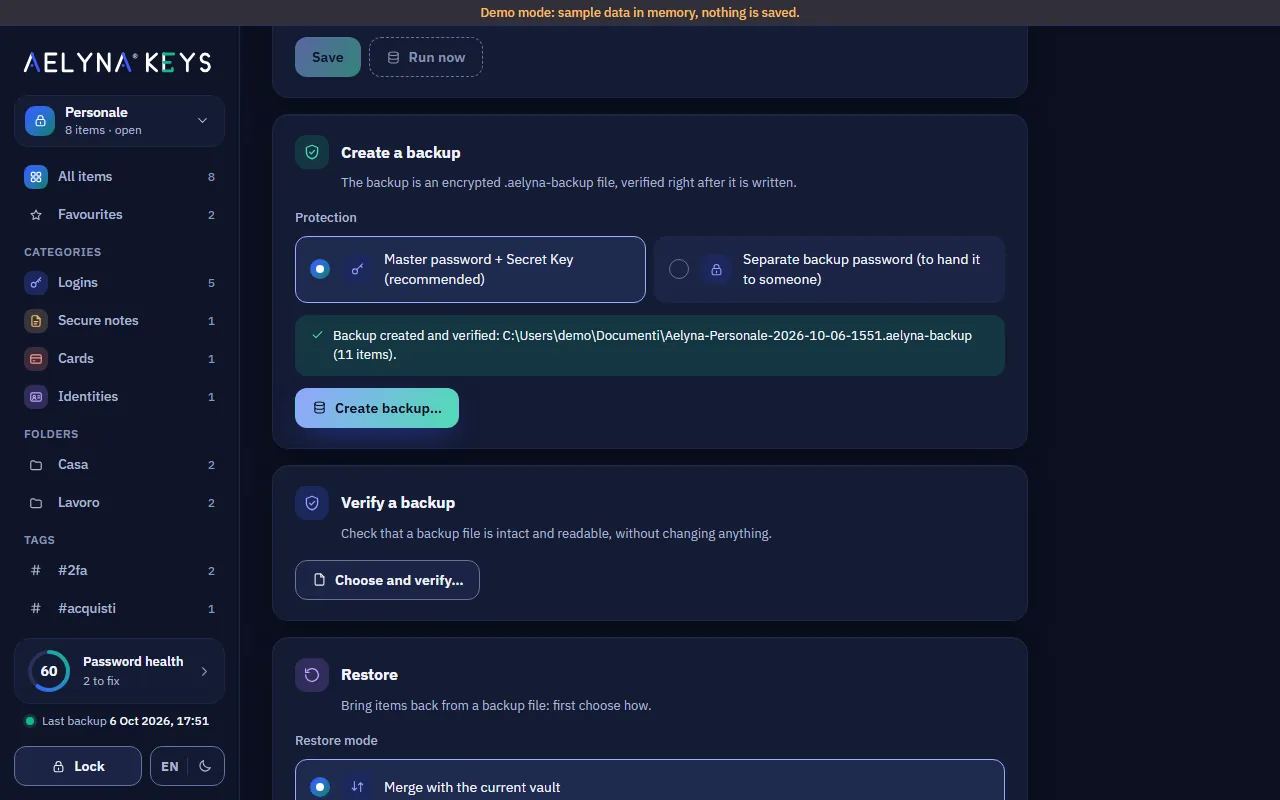
A backup is an encrypted .aelyna-backup file, read back and verified right after writing. Automatic backups run on their own in the folder you choose.
- Daily, weekly or monthly, with the number of copies to keep.
- A separate backup password to hand it to someone you trust.
- Restore in three ways: merge, replace or create a separate vault.
Switching is easy
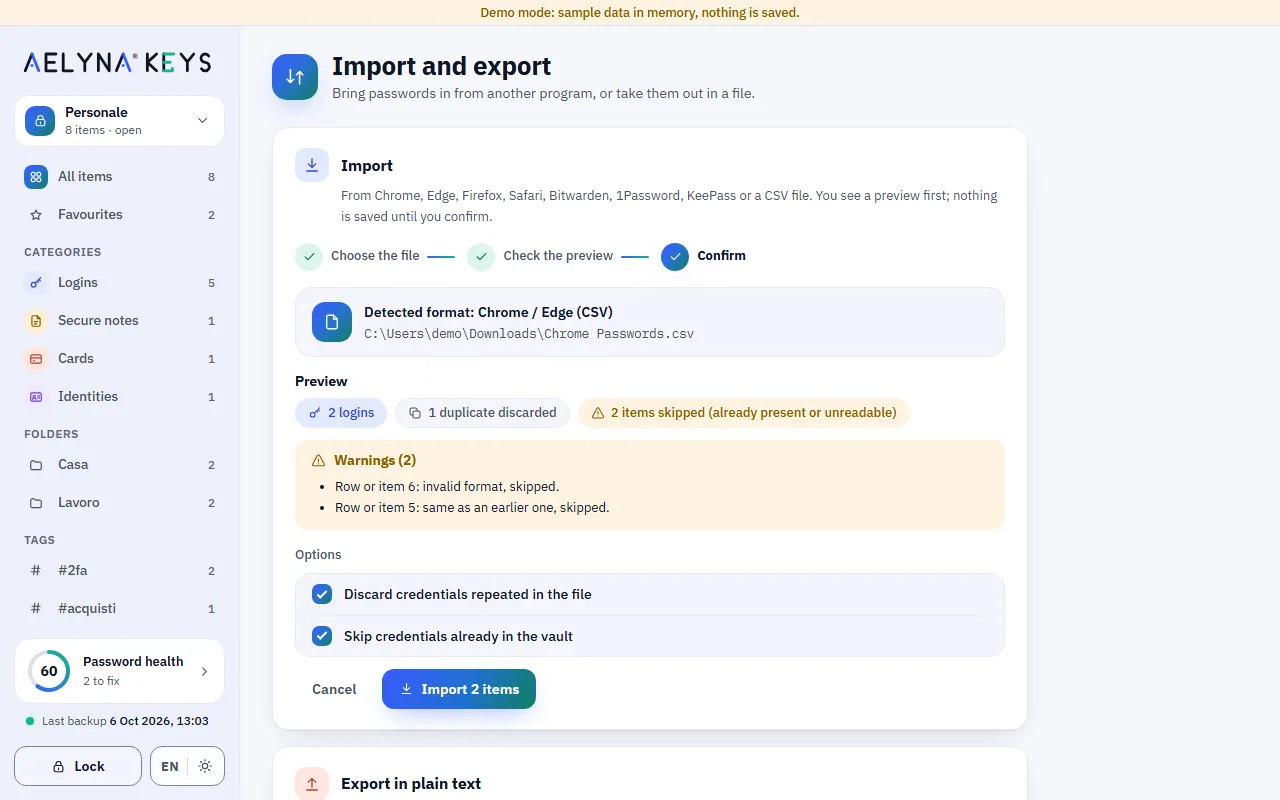
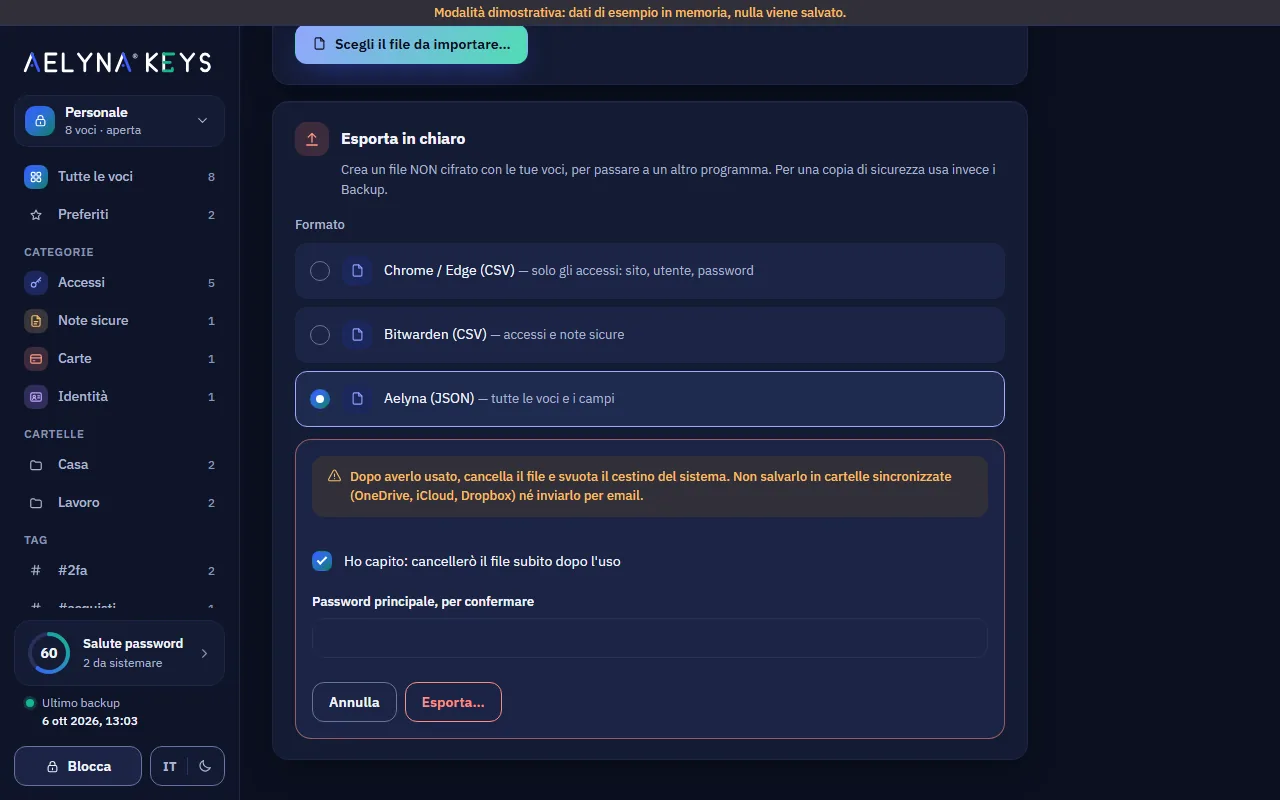
The guided import recognises the format, shows a preview with duplicates and warnings and saves nothing until you confirm. Plain-text export exists, but it warns you twice.
- Chrome, Edge, Firefox, Safari, Bitwarden, 1Password, KeePass and CSV.
- For an unknown CSV you choose what each column contains.
- Plain-text export only after two warnings and the master password.
Secret Key and Emergency Kit
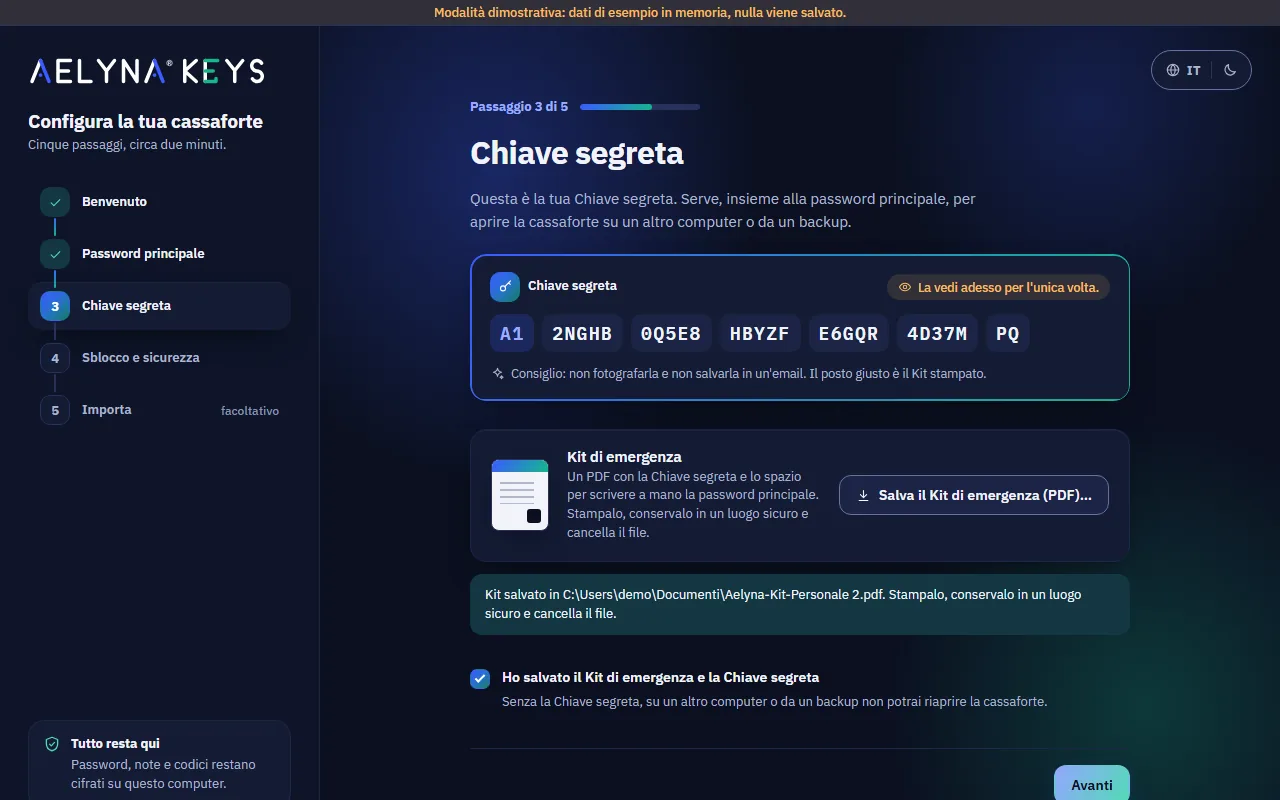
On first launch a five-step wizard creates the vault, helps you choose a strong phrase as master password and has you save the Emergency Kit with the Secret Key.
- The Secret Key is shown only once and never goes into backups.
- The Emergency Kit is a PDF to print and keep away from the computer.
- The strong-phrase generator is also in Settings.
Hardware key and quick unlock
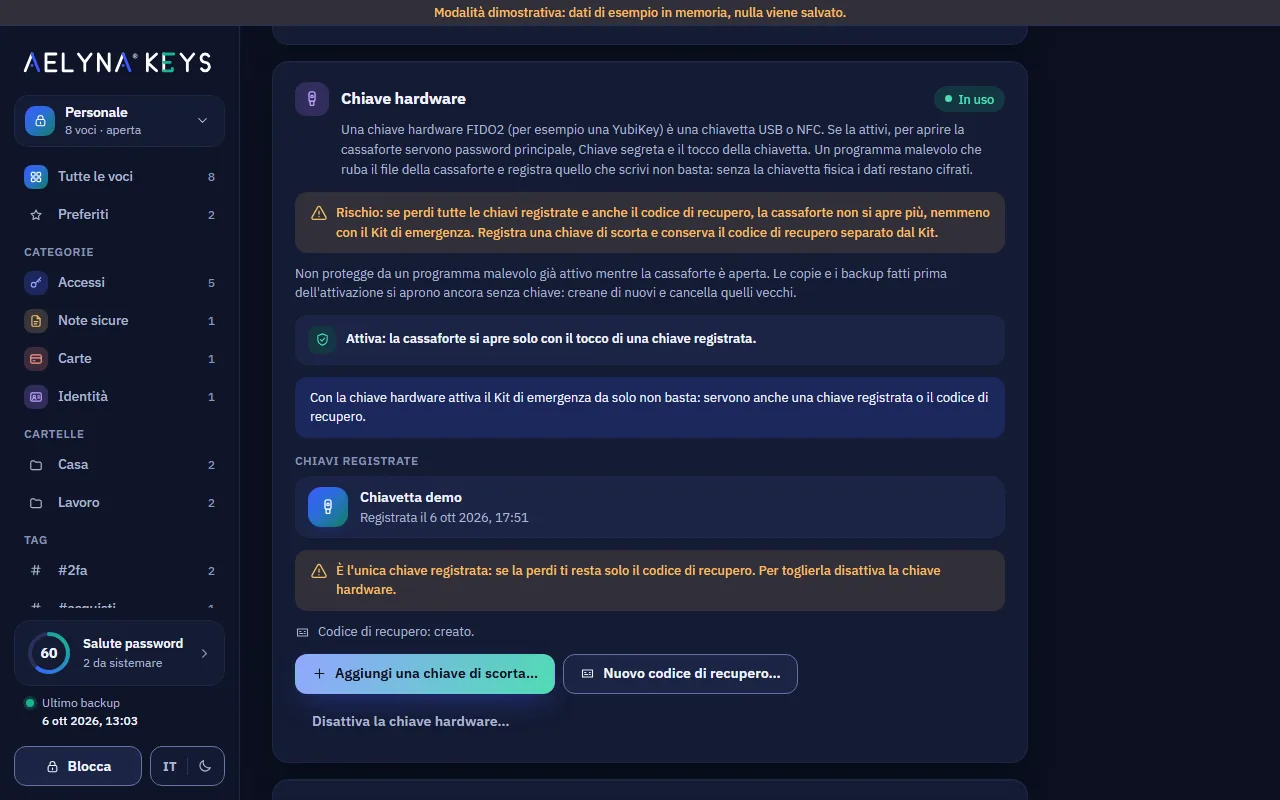
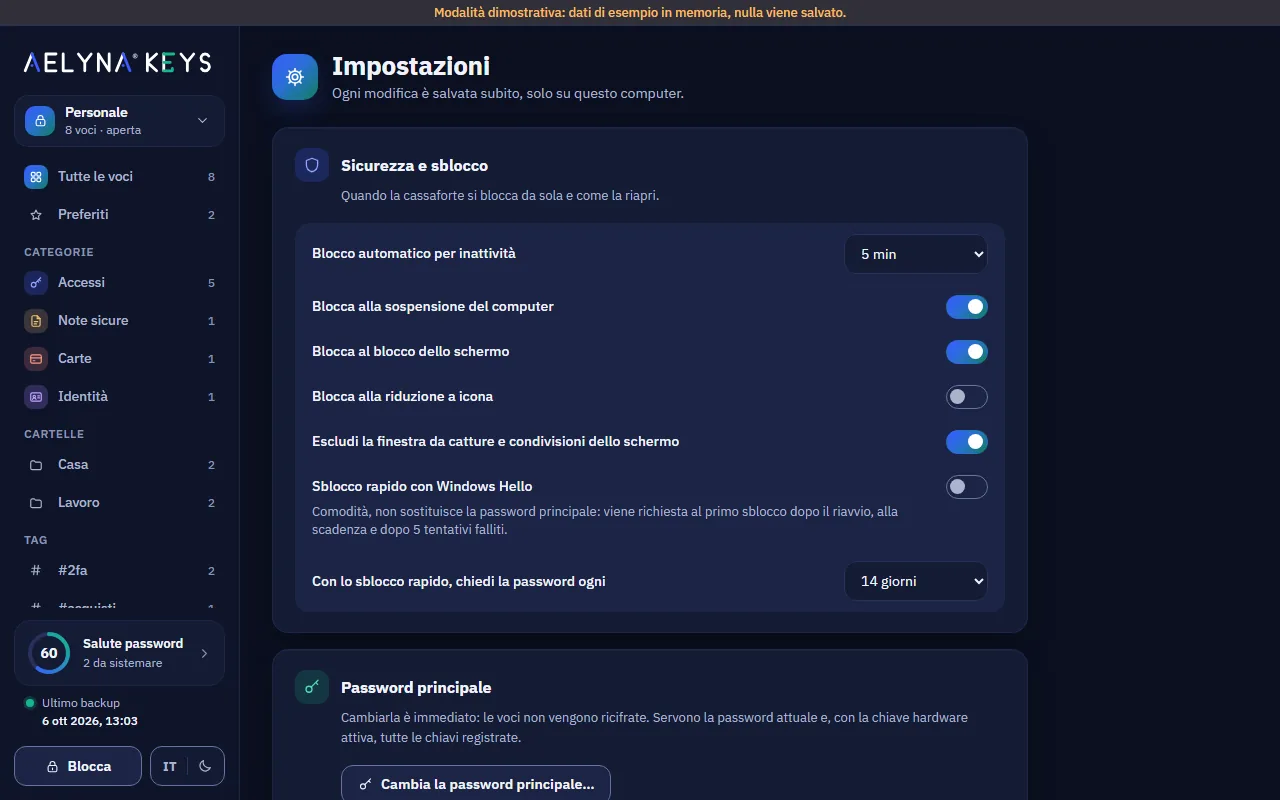
With a FIDO2 key (for example a YubiKey), opening the vault also takes a touch of the key. On Windows, quick unlock with Windows Hello is an extra convenience, not extra protection.
- Up to 4 registered keys, with a backup key and a recovery code.
- Windows Hello: the master password is still required after a restart and every 14 days.
- Automatic lock on inactivity, sleep and screen lock.
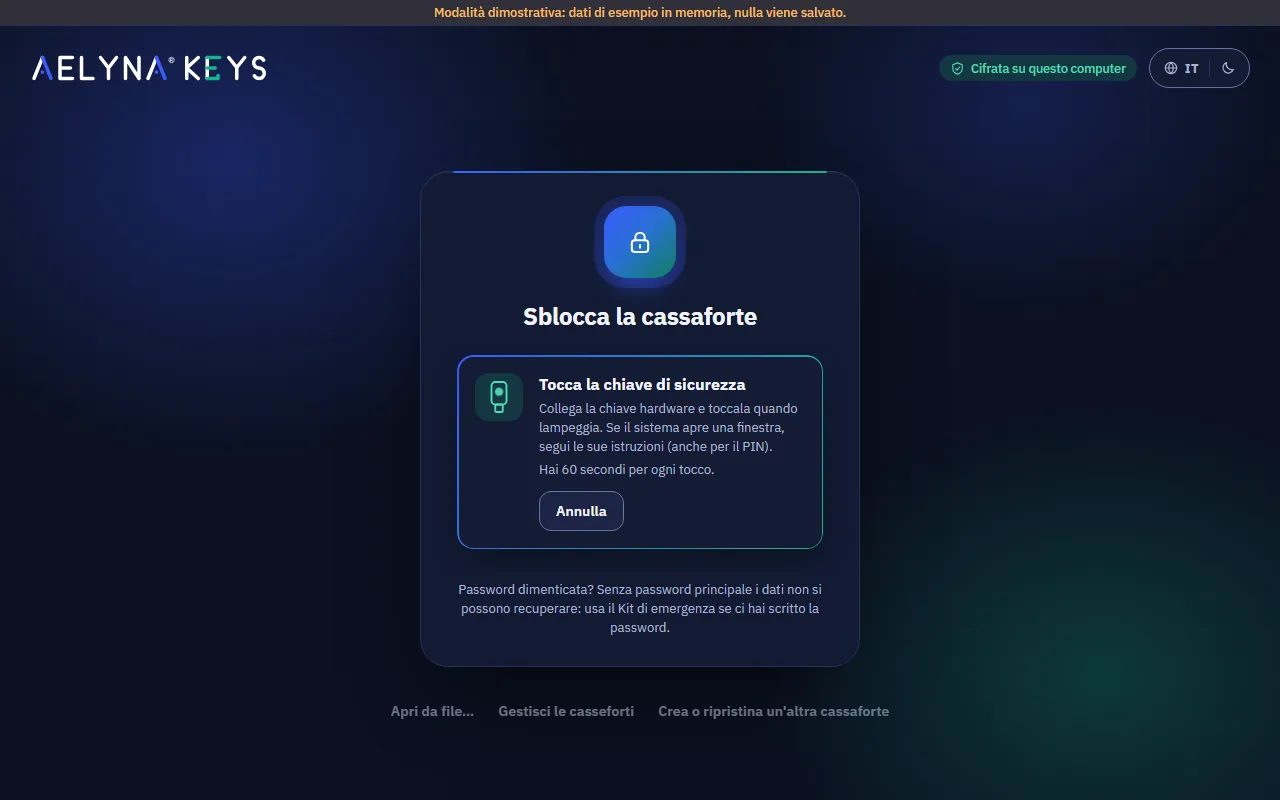
Dark or light, in Italian or English
Night and day themes, Italian and English, a window that stays readable even when small. Settings explain every choice in plain words.
- Theme and language switch on the fly and are kept at the next launch.
- The window can be kept out of screen captures and screen sharing.
- The clipboard clears itself after 30 seconds.
Want to see how it works?
The guide explains every feature step by step. The packages will arrive with the first public release.